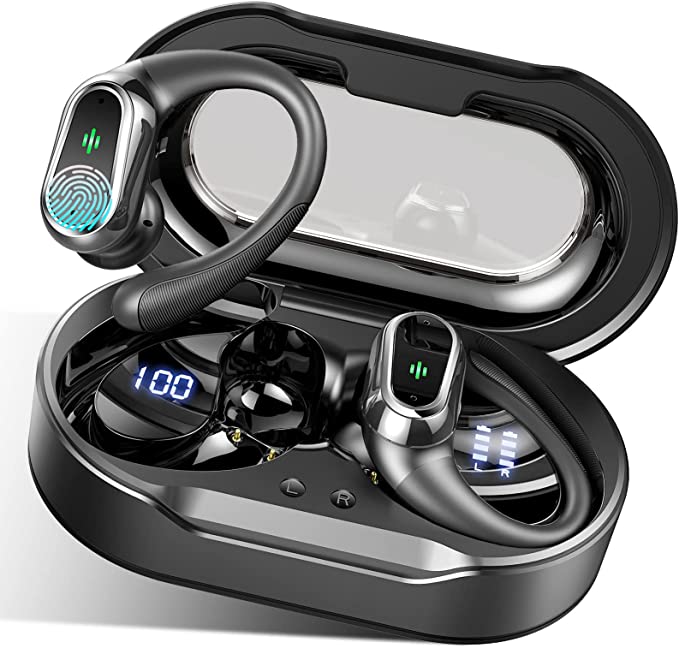
Why Your Left Earbud Died: Troubleshooting the BD&M M10
Update on Jan. 2, 2026, 8:47 a.m.
It’s a familiar story. Reviewer R. Smith lamented, “Left earbud has stopped working in March 2023!” just three months after purchase. Karina Lopes noted connection quirks where “you need to remove both from the case for successful connection.”
Before you declare them “trash,” understand that budget earbuds like the BD&M M10 often suffer from environmental interference rather than catastrophic hardware failure. Here is the forensic guide to reviving them.
H4 The Green Death: Galvanic Corrosion
The #1 killer of the M10 is not the battery; it is sweat. When you exercise, the metal charging contacts on the earbud stem get coated in salty electrolytes.
When you drop the wet earbud into the charging case, you create a perfect electro-chemical cell. The 5V charging current flows through the salt water, accelerating Galvanic Corrosion (Physics). This creates a thin, invisible layer of non-conductive oxide (often green or black) on the pins.
The result? The earbud sits in the case but refuses to charge. The case thinks the slot is empty.
Field Note: The Alcohol Revival. Dip a Q-Tip in 90%+ Isopropyl Alcohol and vigorously scrub the gold contacts on both the earbud and the pins inside the case. This removes the oxide layer. You will likely see the red charging LED spring back to life instantly.
H4 The “Desync” Phenomenon
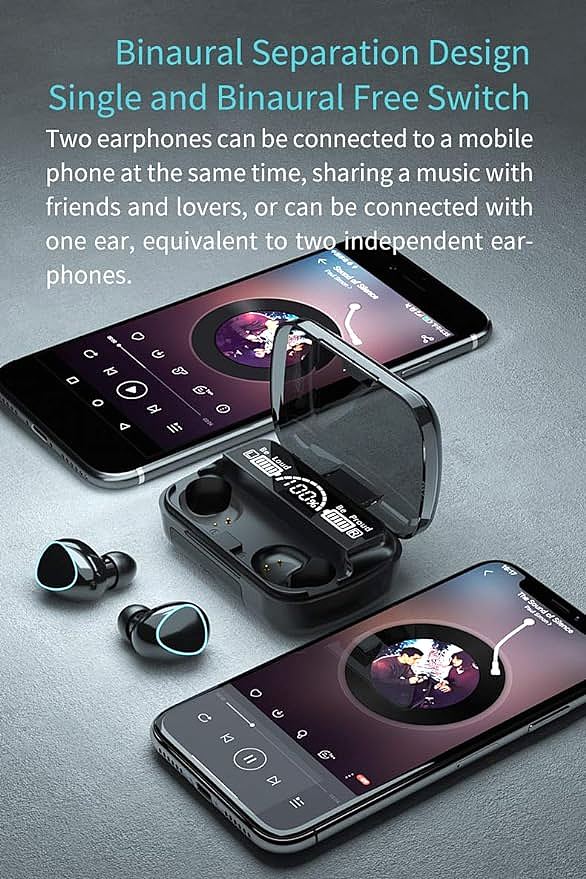
TWS earbuds operate in a Master-Slave or Sniffing relationship. Sometimes, the two earbuds forget they are a pair and start acting as two separate mono devices. This manifests as only one side connecting to your phone, or two “M10” devices appearing in your Bluetooth list.
To fix this, you need a Hard Factory Reset (generic for M10 chipset):
1. Delete: Forget “M10” from your phone’s Bluetooth list.
2. Power Down: Long press both touch areas for 5+ seconds until they turn off.
3. Reset: Long press both earbuds simultaneously for 10-20 seconds. You might see flashes of red/blue, then a pause, then flashes again. Do not let go until the second cycle completes.
4. Re-pair: Put them back in the case, wait 5 seconds, then take them out together. They should now blink at each other (syncing) before blinking at your phone.
H4 The “Laggy” Touch Controls
Karina Lopes mentioned the controls “have a delay.” This is actually a feature, not a bug, known as Debounce Logic (Thesis).
On budget capacitive sensors, sensitivity varies. To prevent your hair or a hoodie from constantly pausing your music, the chip engineers programmed a ~0.5-second delay to confirm a “deliberate” touch.
So What?: When you tap to pause, wait. Do not tap again immediately thinking it didn’t register. If you tap twice rapidly, the chip interprets it as a “Volume Up” or “Next Track” command instead of “Pause.” Trust the delay.
H4 Signal Dropouts
If the audio cuts out “a couple rooms away,” you are hitting the Physical Limit of the Antenna. The M10 likely uses a small ceramic antenna. 2.4GHz Bluetooth signals are easily absorbed by water (your body) and concrete walls.
If you keep your phone in your back pocket and the “Master” earbud is in your right ear, your own body might be blocking the signal (Cross-Body Interference).
Field Note: Try moving your phone to a front pocket or an armband on the same side as the Master earbud (usually the first one you took out of the case). This clears the “Line of Sight” for the radio waves.
The BD&M M10 is not fragile; it is just sensitive to dirt and logic confusion. With a little maintenance, these $15 workhorses can outlast their expected lifespan significantly.