The "Bluetooth Handshake": Why Earbuds Connect to the Wrong Device
Update on Dec. 18, 2025, 1:45 p.m.
Here’s the scene: You finish a podcast on your phone. You open your laptop to join a Zoom call. You put in your wireless earbuds, go to your laptop’s Bluetooth menu, and hit “Connect.”
It fails. Or it spins forever.
Confused, you check your phone and see the earbuds are still connected to it. This is the single most common frustration for modern Bluetooth users.
Your earbuds aren’t dumb, and they aren’t broken. They are just following the #1 rule of standard Bluetooth: One active connection at a time.
The “Bluetooth Handshake” Explained
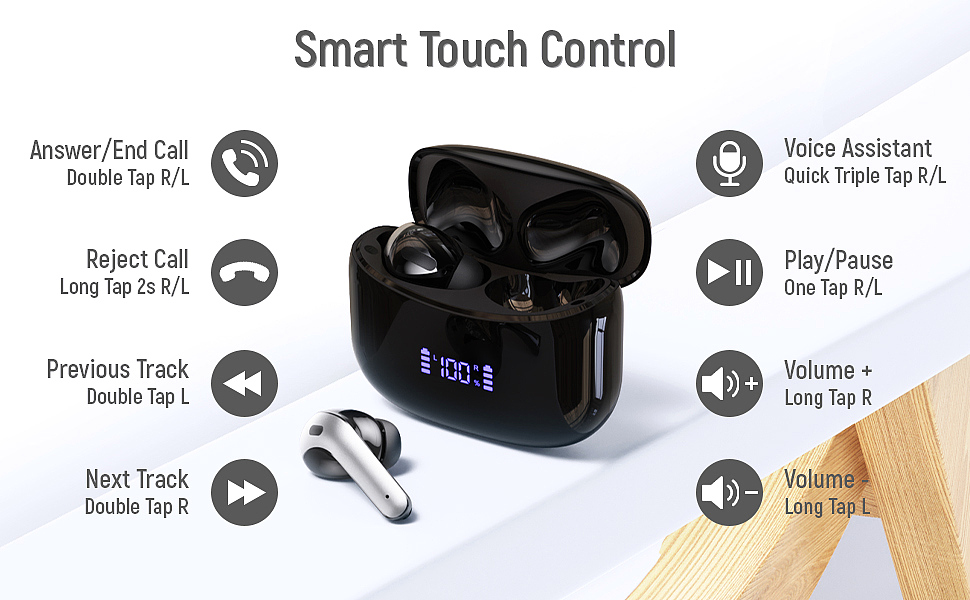
Think of your earbuds (like the ZINGBIRD X15-001 or any other standard pair) as a person who can only hold one hand at a time. This is called “Single-Point Connection.”
- When you take them out of the case, they immediately search for the last device they were paired with (usually your phone) and “hold hands” with it.
- As long as they are “holding hands” with your Phone (Device A), they are not available to hold hands with your Laptop (Device B).
- When you try to connect from your laptop, it’s like asking someone to shake your hand while they are already shaking someone else’s. They can’t.
This is why just hitting “connect” on your laptop fails. Your earbuds are still loyal to your phone.
The Golden Rule: “Disconnect First, Then Connect”
To move your earbuds from Device A (Phone) to Device B (Laptop), you must follow this two-step process.
Step 1: Manually DISCONNECT from Device A.
Go into your phone’s Bluetooth menu. Find your earbuds in the list. Tap on them and select “Disconnect.” (Don’t “Forget Device,” just “Disconnect.”)
Now, your earbuds are “available” and are no longer holding hands.
Step 2: Manually CONNECT on Device B.
Go into your laptop’s Bluetooth menu. Find your earbuds and click “Connect.”
It will now work instantly. Every single time.
This simple “Disconnect, then Connect” process is the manual “hand-off” that you must do.
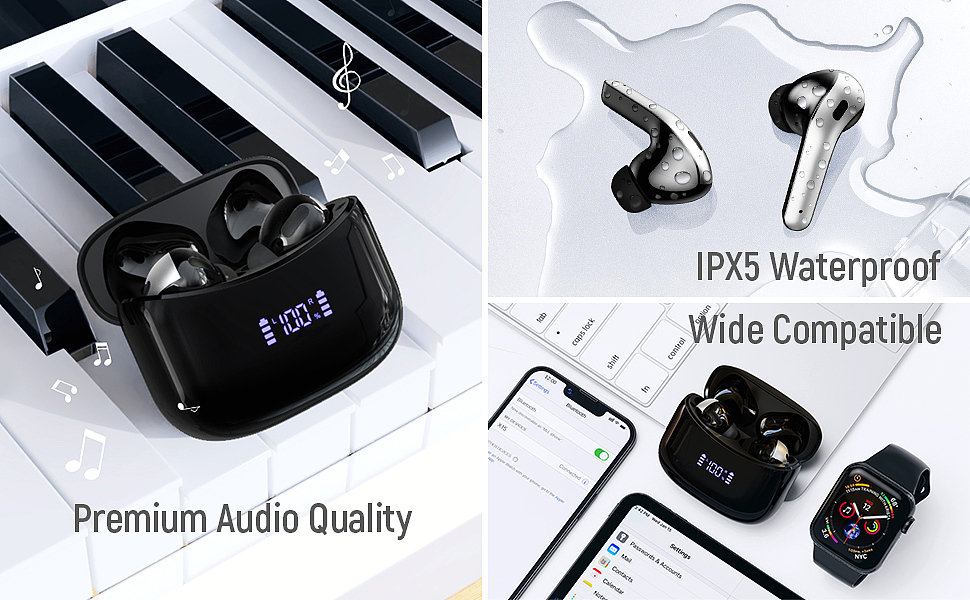
What About “Multipoint” Earbuds?
You may have heard of expensive, high-end earbuds that can connect to a phone and a laptop at the same time. This is a premium feature called “Multipoint Connection.”
These earbuds are smart enough to “hold two hands” at once. They can play music from the laptop and still interrupt it to take a call from the phone.
However, standard, budget-friendly earbuds (like our ZINGBIRD X15 example) do not have this feature. They are “Single-Point,” and that’s perfectly fine—you just have to know the Golden Rule to master them: Always disconnect from the first device before connecting to the second.